AI Marriage Biodata Maker
for a First Impression
Families Remember
Type your details once — our AI tidies your wording, suggests a polished profile, and lays it out on a designer template. Preview with your real data and download a crisp, print-ready biodata PDF in minutes.
- AI writing help
- No account, ever
- PDF in minutes
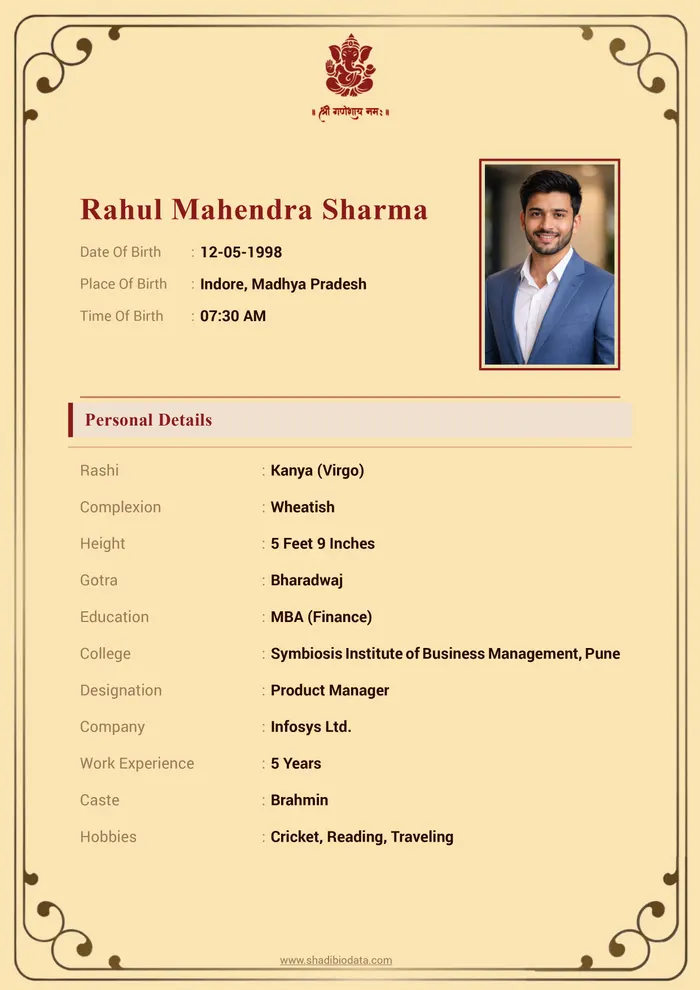
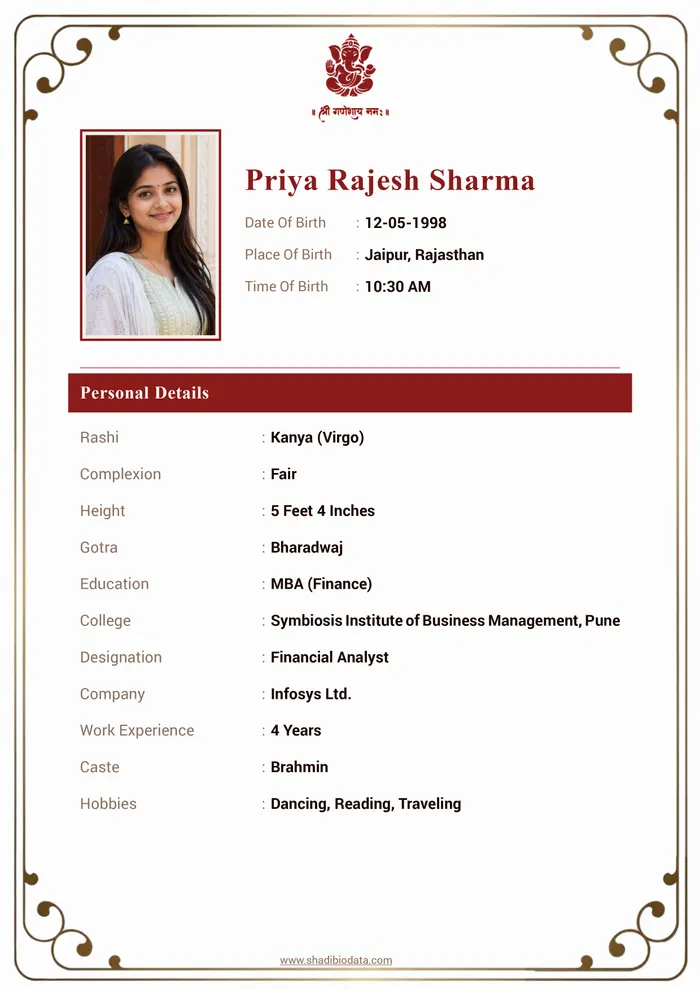
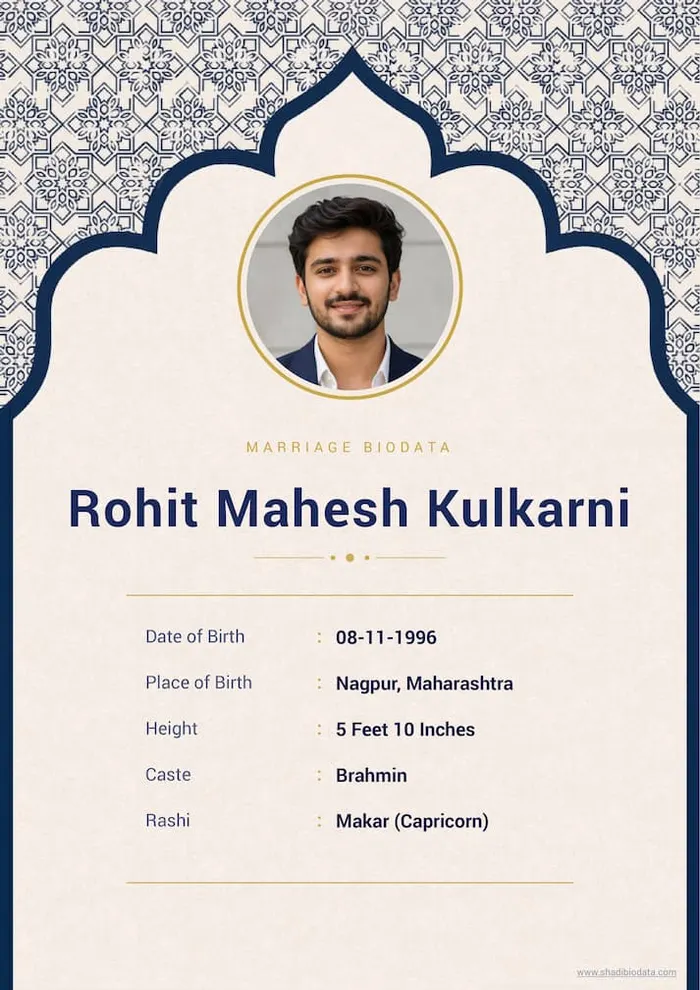
Designer Marriage Biodata Templates for Every Family
Every biodata template here was drawn by a designer, not stretched from a Word file — ornate traditional borders for community networks, quiet modern layouts for city families, and dedicated designs made for Hindu, Jain, Sikh, Muslim, and Christian households. Tap any design to start with it, or open the full studio to see each one filled with your own details.
- AI drafts and polishes your wording
- 56 designer templates, 12 Indian languages
- Print-ready A4 PDF in minutes
- No signup, no watermark to start
Enter your biodata details
Setting things up for you…
Tap Start My Biodata above, or begin right here.
Why an AI Marriage Biodata Maker Beats a Blank Template
Anyone can hand you an empty biodata format. The hard part has never been the layout — it is sitting in front of the "About Myself" box wondering how to describe your own child, or yourself, without sounding either boastful or flat. That is the part most families quietly struggle with, and the part a static template does nothing to solve.
MarriageBiodataMakers.com was built around that exact moment. Write your details the way you would say them out loud, in any mix of languages, and let the AI shape them into clear, dignified sentences. It suggests a profile summary from your education, career, and family details, flags sections that feel thin, and recommends the templates that suit your community and content — so the finished biodata reads as thoughtfully as it looks.
The layout itself follows the order Indian families expect: photo and name first, personal and horoscope details next, education and career, then the family background that anchors every match discussion. Elders find what they look for exactly where they look for it, whether the biodata reaches them on WhatsApp or across the table.
And because the search rarely ends with one PDF, your details stay saved in your own browser. Come back after the first round of meetings, refine a line, switch the design, translate it for grandparents — and have a fresh biodata out in minutes, not another evening of formatting.
An AI Marriage Biodata Maker, Not Just a Form Filler
Traditional biodata makers stop at layout. Ours helps with the hard part — what to write, how to say it, and which design suits your family — then delivers a print-ready PDF.
AI-Polished Writing
Not sure how to word your profile? Tap "Regenerate with AI" and our assistant rewrites your details into clean, confident sentences — so your biodata reads as good as it looks.
Smart Template Recommendations
Our engine studies your details and highlights the biodata templates that best match your community, style, and content — no more scrolling through designs that don’t fit.
One-Click Translation
Write your marriage biodata once and translate it into Hindi, Marathi, Gujarati, and more — perfect when relatives expect the biodata in the family’s own language.
Kundli & Astrology Details
Dedicated fields for rashi, nakshatra, gotra, manglik status, and birth details — everything a traditional matrimonial match discussion needs, structured correctly.
Live Preview with Your Real Data
Every template preview renders with the details you typed — not a stranger’s sample. What you see on screen is exactly the PDF your family will share.
Private by Design
No account, no unnecessary uploads. Your details stay on your device while you work, and you decide when to generate the final PDF.
From Blank Form to Finished Biodata in Three Steps
Fill In Your Details
Enter personal, education, career, family, and contact details in one guided form. Let the AI assistant refine your wording and suggest a polished About Me.
Pick a Recommended Template
Browse designer marriage biodata templates with your real details already placed in them, and start from the designs our engine recommends for your profile.
Download & Share the PDF
Export a crisp, print-ready marriage biodata PDF and share it on WhatsApp, over email, or as a printout at the family meeting.
How to Write a Marriage Biodata That Gets Replies
Before any phone call or meeting, your biodata speaks for you. The families reading it decide within moments whether to take the next step — so what you include, and how clearly you present it, genuinely changes your response rate. Here is the structure we recommend, section by section, built into every template on MarriageBiodataMakers.com.
What Separates a Strong Biodata from a Forgettable One?
Most biodatas fail quietly: a missing detail forces a follow-up call, a cluttered layout hides the strengths, or a stiff third-person tone keeps the reader at arm's length. A strong marriage biodata does the opposite — it anticipates every question the other family will ask and answers it on one clean page.
Before you download, check that your biodata:
- Answers all six things families check — identity, study & work, the family picture, horoscope where followed, interests, and whom to call
- Reads in one glance — clear section headings, short lines, no dense paragraphs
- Uses one consistent design language — matching fonts, aligned labels, a photo placed where the eye expects it
- Has been proofread by a second family member — names, dates, and phone numbers especially
No two families weight these sections the same way. Lead with whatever tells your story best — a distinguished education, a respected family name, or a modern career — and let the rest support it.
Section-by-Section Guide
The Personal Story — Identity, Interests & Values
Name
Write your full legal name exactly as your family introduces you. It anchors the whole biodata — every other detail is read in relation to it.
Birth Date
Age is one of the first filters families apply, and the birth date also feeds kundli matching where it is followed. State it plainly rather than leaving only an age figure.
For example:Date of Birth: 14 February 1995
Giving the full date (not just "29 years") supports both age reference and horoscope work.
Birth Place
The birth place tells families where your roots are and completes the trio — date, time, place — that astrologers need for a birth chart.
For example:Place of Birth: Nashik, Maharashtra
Combined with birth time, this is what a panditji uses to prepare the kundli.
Height
A standard physical detail every matrimonial profile lists. Use the feet-and-inches form most Indian families are used to reading.
Interests & Hobbies
Two or three genuine interests turn a list of facts into a person. They also give the two of you something concrete to talk about at the first meeting.
For example:Hobbies: Badminton, sketching, weekend treks
Specific beats generic — "weekend treks" says more than "travelling".
Values & Partner Expectations
A short, honest line about what you value and the kind of partner you hope for sets expectations early and attracts families who think the same way.
For example:"I believe in balancing career with family time, and hope to find someone who values openness and mutual respect."
Your Photo
Choose one recent, well-lit photo where your face is clearly visible — a simple background works best. Avoid heavy filters; the photo should look like you on the day the families meet.
Horoscope & Heritage
Rashi — the Moon Sign
The rashi is the zodiac sign of the moon at your birth. Families who follow Vedic matching read it first, so list it if your community uses horoscope compatibility.
For example:Rashi: Makar (Capricorn)
Mentioning it up front saves a round of back-and-forth before kundli matching.
Nakshatra
The nakshatra — the birth star — refines the horoscope beyond the rashi and is used in the detailed guna matching many families request.
For example:Nakshatra: Ashwini
Include it beside the rashi so the astrologer has both on one page.
Gotra
The gotra records ancestral lineage. Several communities require different gotras between bride and groom, so stating yours clearly avoids late surprises.
For example:Gotra: Bharadwaj
If your community also considers maternal gotra, add that line too.
Study & Work Life
Education
List your highest qualification first, with the institution if it strengthens the profile. Education signals not just ability but the environment you grew up in.
For example:Education: M.Tech (Computer Science), COEP Pune; B.E., Mumbai University
Add notable certifications only if they are relevant to how you present yourself.
Profession & Work
Name your role, organisation, and city. Families read this line for stability and lifestyle, so be specific — and if you run a business, say what the business does.
For example:Work: Product Manager at a fintech company, Bengaluru
Self-employed? "Runs a family textile trading business established 1998" reads far better than "Business".
The Family Picture
Family Introduction
In an Indian match the family marries the family. Introduce your parents and their occupations, your siblings and where they are settled, and a line on the family’s outlook — traditional, modern, or a blend.
For example:Father: Suresh Kulkarni, retired school principal
Mother: Anita Kulkarni, homemaker
Sister: Married, settled in Pune
A short 'values' line — e.g. 'a close-knit family with a modern outlook' — completes the picture.
Reaching the Family
End with the phone and WhatsApp number of whoever handles proposals — often a parent — plus an email address. Make it obvious whom to contact first, so an interested family never hesitates over how to reach you.
A Word From Our Editors
Keep the biodata to a single page wherever possible, place the photo where the template intends it, and match the design to the audience: an ornate traditional layout for elders and community networks, a clean modern one for city families and matrimonial apps. Our AI recommendations do exactly this sorting for you.
Marriage Biodata Questions, Answered
Your Biodata, Beautifully Done in Minutes
Fill the form once — the AI and the designers handle everything else.
Create My Biodata FreeNew to biodatas? Start with our guides on writing a marriage biodata — formats, examples, and AI tips.